Kitchen display systems: organize orders by state and station
Define receiving, preparation and handoff so a kitchen screen supports actual service.
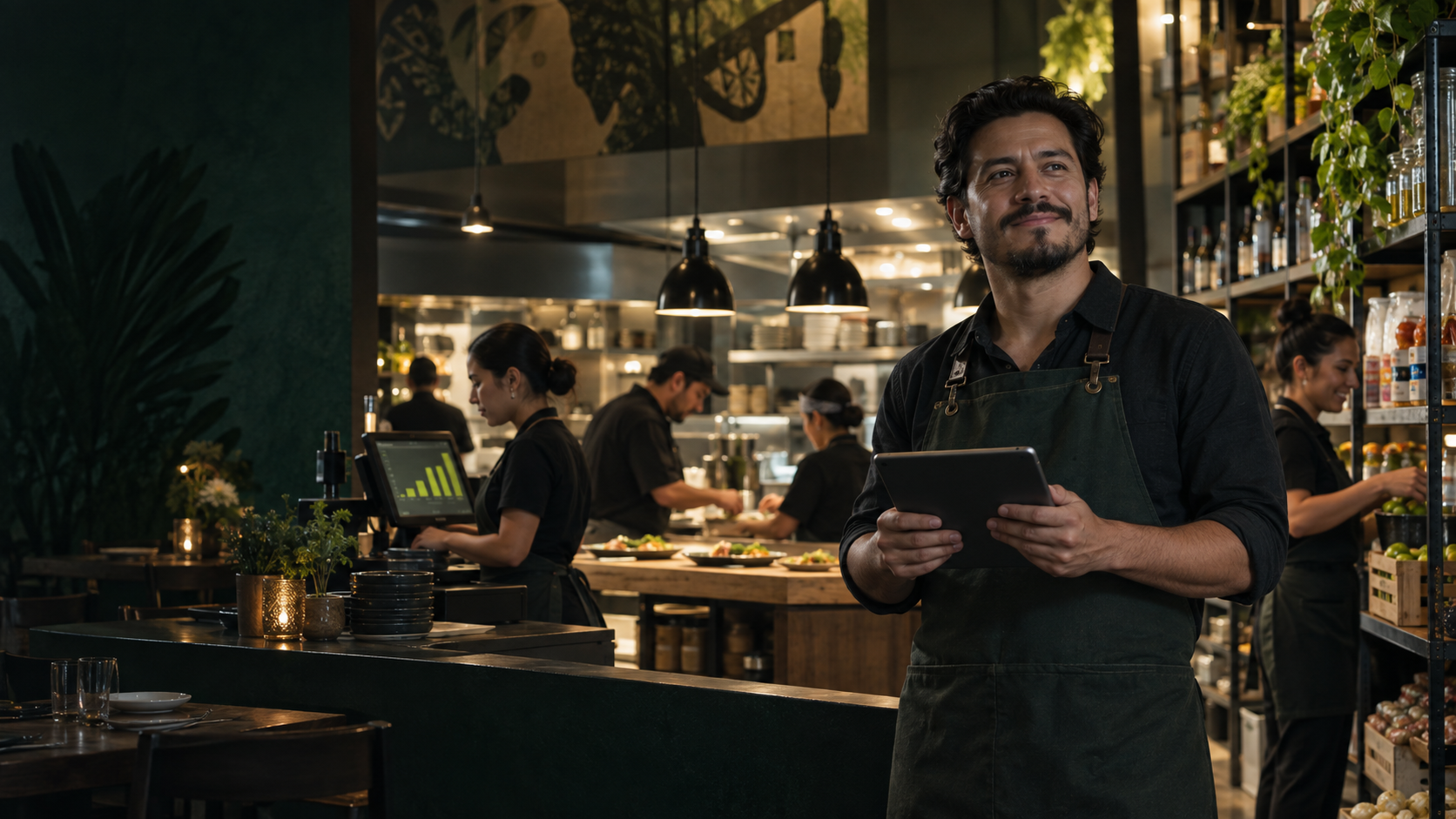
A kitchen screen displays orders, but staff need shared rules to interpret them. Define received, preparing, ready and delivered before choosing colors or alerts.
Map the order journey
Trace an order from confirmation to customer handoff. Identify drinks, hot food, desserts and dispatch stations. Assign who can update each state.
Separate ready from delivered
A prepared dish may wait at the pass. Marking it delivered too early hides that delay. Keep the milestones separate when your workflow needs them.
Define each order card
- Order number and table or sales channel.
- Products and quantities.
- Visible modifiers and notes.
- Arrival time or elapsed time.
- State and next responsible role.
Critical instructions still require your kitchen verification procedure. Do not rely only on a small color indicator or hidden comment.
Test changes and cancellations
Decide how amendments arrive after preparation starts. An edited order should not look like a new order. Try partial cancellations, multi-station orders and takeaway service.
Observe a full shift
Run an assisted pilot. Note whether staff search for orders, update states late or ask for information that should be visible. Adjust grouping, text size and physical placement.
Measure specific waits
Distinguish preparation time from ready-to-handoff time. The bottleneck may be at dispatch rather than cooking. Avoid treating one average as a service guarantee.
Complete the operational loop with shift cash closing.